Lesson 3: Set up and aim in daylight
Set up your telescope, focus it, and line up your finder so you can aim at anything.
Outside in daylight, with an adult nearby.
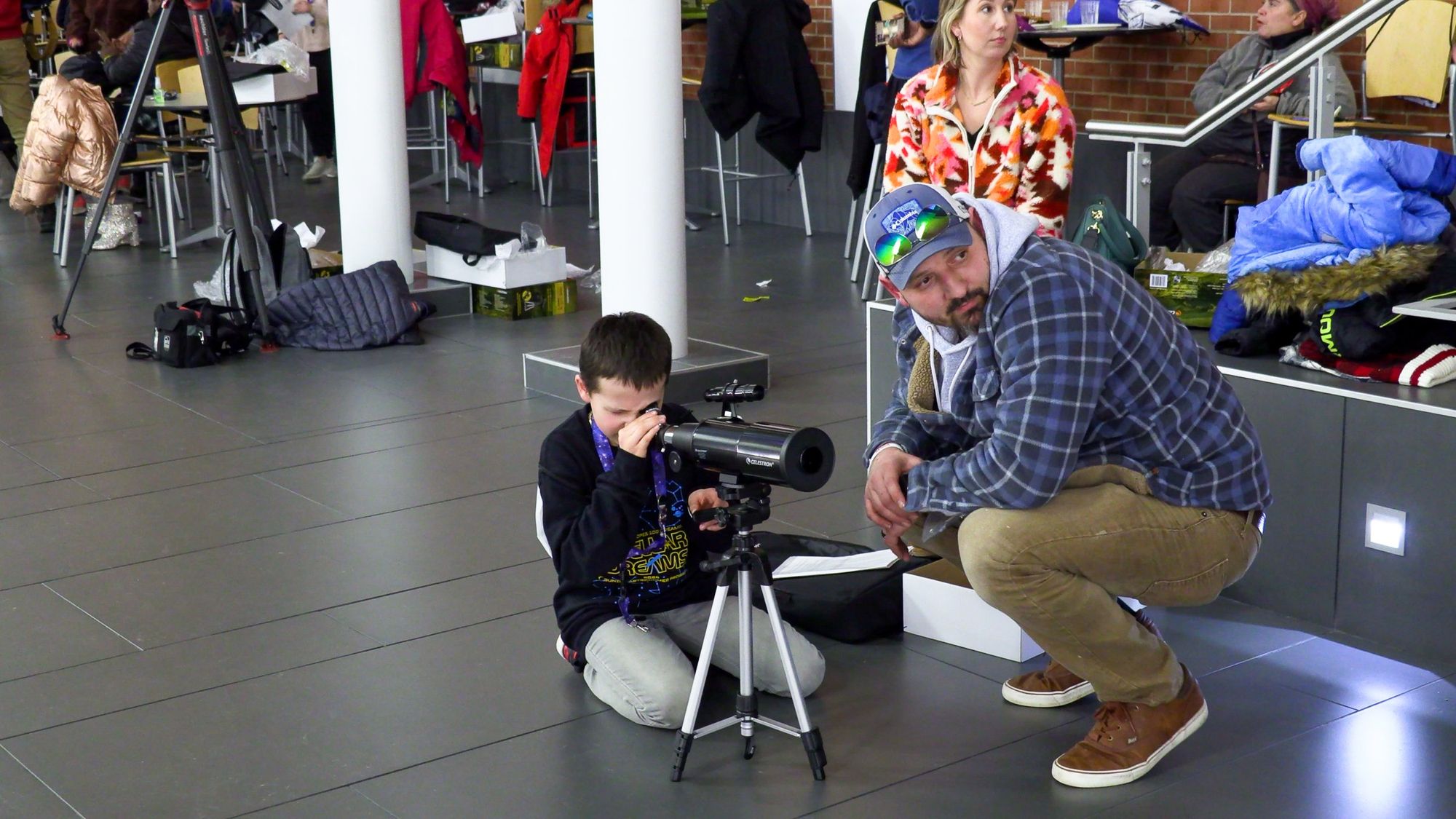
Learn your telescope in daylight first. You can see every knob, and the things you aim at hold still. Keep the telescope pointed away from the Sun the whole time.
Only certified eclipse glasses make it safe to look at the Sun with your eyes. Never look at the Sun through a telescope or a finder, even with eclipse glasses on.
Pick your spot
- Choose flat, solid ground, like a patio, a driveway, or a backyard.
- Face away from the Sun.
- Find something far away to aim at, like a treetop, a chimney, or the top of a telephone pole at least a block away.
Put it together
Travel Scope 80
- Spread the tripod legs all the way out. Raise them to a comfortable height and close the leg clamps. For more height, loosen the center column knob, pull the tripod head up, and tighten the knob again.
- Flip the lever on the tripod head and lift out the quick-release plate. Screw the plate to the bottom of the tube, set the tube back in the tripod head, and push the lever flat to lock it.
- Slide the diagonal into the back of the tube and tighten its screws.
- Put the 20mm eyepiece in the diagonal and tighten its screw. Always start with the 20mm. It gives the widest view, so things are easier to find.
- Take the cap off the front lens and the caps off both ends of the finderscope.
StarSense Explorer LT 80AZ
- Spread the tripod legs and push down the center leg brace. Extend the legs to the same height, then screw the eyepiece tray into the brace.
- Set the tube in the mount with the slow-motion rod through its guide, and put in the two tube mounting screws. Your quick setup guide shows each step with pictures.
- Pull the small plastic tab out of the red dot finder so its battery can work.
- Slide the diagonal into the back of the tube and tighten its screw.
- Put the 25mm eyepiece in the diagonal and tighten its screw. Always start with the 25mm. It gives the widest view, so things are easier to find.
- Take the cap off the front lens.
Another telescope
- Set up the tripod or mount on flat ground so it stands steady.
- Attach the tube and tighten the knob that holds it.
- Put in your lowest power eyepiece, the one with the biggest number. It gives the widest view, so things are easier to find.
- Take off the lens cap.
Aim and focus
Travel Scope 80
Swing the telescope left or right to face your faraway target. Then twist the pan handle counterclockwise to unlock it, tilt the tube up or down, and twist the handle clockwise to lock it. If the telescope swings too loosely or too stiffly, adjust the azimuth tension knob. Give it a second to stop wobbling before you look.
StarSense Explorer LT 80AZ
Hold the back of the tube and swing the telescope left or right to face your faraway target. To tilt it up or down, loosen the knob on the rod guide, move the tube, and tighten the knob again. With the knob tight, turn the black handle on the slow-motion rod to center your target.
Another telescope
Loosen your mount's locks, point the tube at your faraway target, and tighten them again.
Look in the eyepiece. Turn the focus knob slowly in one direction. If the view gets blurrier, turn it the other way. Stop when the edges look sharp.
If you wear glasses, try taking them off and focusing again. If you have astigmatism, keep your glasses on.
Line up your finder
Your finder and your telescope need to point at the exact same spot. Once they do, anything you center in the finder appears in your eyepiece. Check it each time you set up, since a bump can knock it out of line. Try it here first.
Eyepiece view
Finderscope view
Travel Scope 80
- Center your faraway target in the 20mm eyepiece.
- Without moving the telescope, look through the finderscope.
- Turn the small adjustment screws on the finderscope's bracket until the crosshairs sit right on the same target.
- Look in the eyepiece again. If the target is still centered, you're done.
The finderscope shows things upside down and backwards. That's normal. If its view is blurry, turn its eyepiece to focus it.
StarSense Explorer LT 80AZ
- Center your faraway target in the 25mm eyepiece.
- Turn on the red dot finder. Look through its window with your head a little way back, and you'll see a red dot.
- Without moving the telescope, turn the finder's two adjustment knobs until the red dot sits on your target. One knob moves the dot left and right. The other moves it up and down.
- Look in the eyepiece again. If the target is still centered, you're done.
- Turn off the red dot when you finish, to save its battery.
Another telescope
- Center your faraway target in your lowest power eyepiece.
- Without moving the telescope, look through the finder.
- Turn the finder's adjustment screws or knobs until its crosshairs or red dot sit on the same target.
- Look in the eyepiece again. If the target is still centered, you're done.
StarSense Explorer LT 80AZ
Set up your StarSense app
Download the StarSense Explorer app before you go outside, since it's a big download. Open it and enter the unlock code from the orange card in your telescope's box.
Take the big cap off the mirror on the phone dock, then set your phone in the dock. Open the app and follow its tutorial. It will ask you to center a faraway object in your 25mm eyepiece, so it can match your phone's camera to the telescope. Daylight is the easiest time to do this the first time.
When you're done
Put all the caps back on and pack your telescope away. You're ready for the night sky.
Sky challenge
Line up your finder on something far away. Then find two more far-off things with your finder first, and check that each one appears in your eyepiece.
Check what you learned
Answer all three to finish the lesson and light its star.